Workarounds ❌
- Sticky notes and network drives
- Relying on a labmate’s memory
- File names as the organizing principle
- NGS_low-vol_v4.2_final_final2_use-this.pdf
- “Copy-paste the values from this row to that column”
Qvios tracks your samples, protocols, and results in one convenient workspace, so you spend less time organizing files and more time running experiments.
Free forever, no credit card required.
Unified platform
Quick Look
Less admin, more science
Use cases
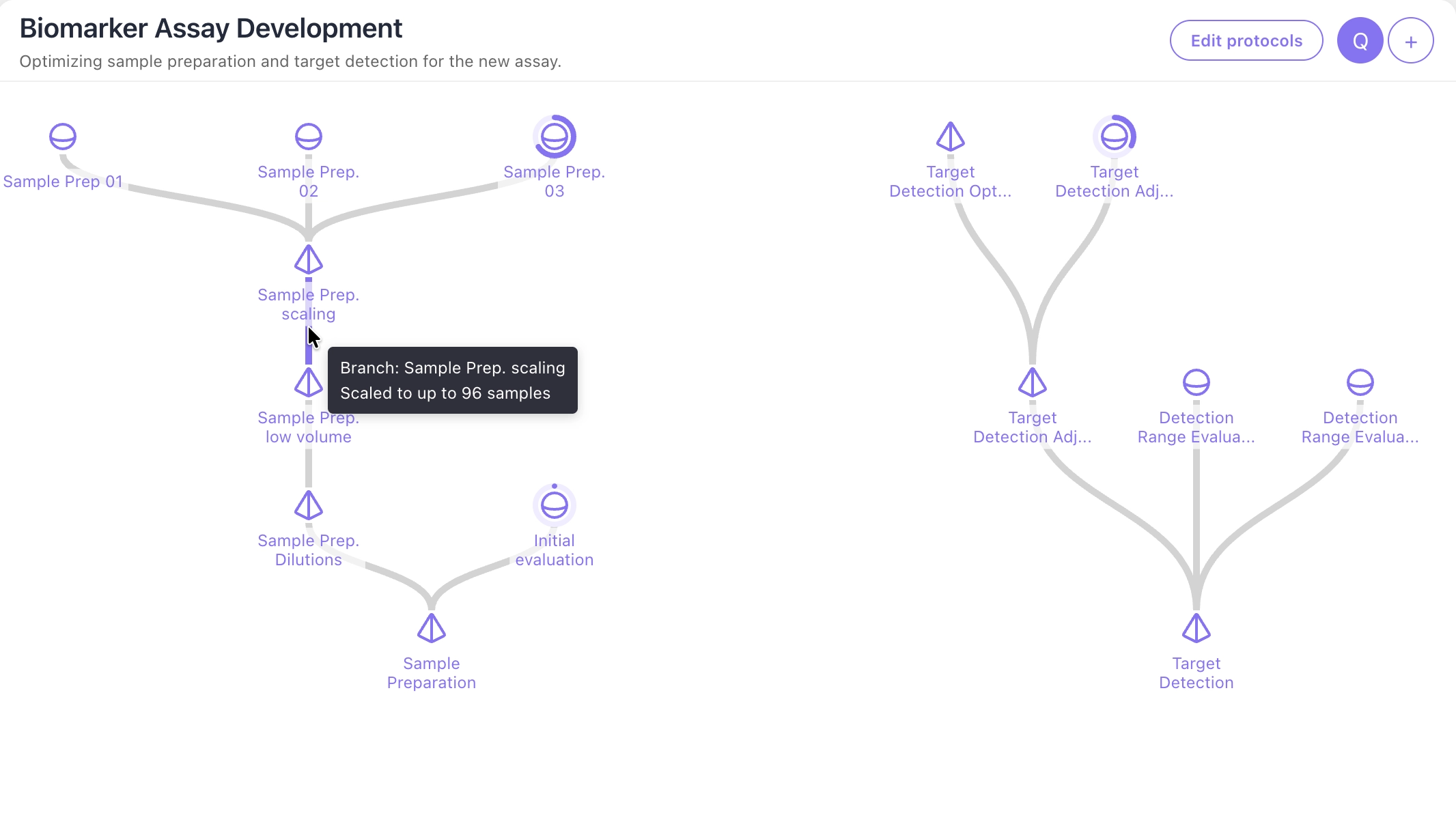
Design, test, and refine protocols without losing track of versions. Qvios keeps parameters, samples, and results linked across runs, making it easy to compare iterations and identify optimal assay conditions.
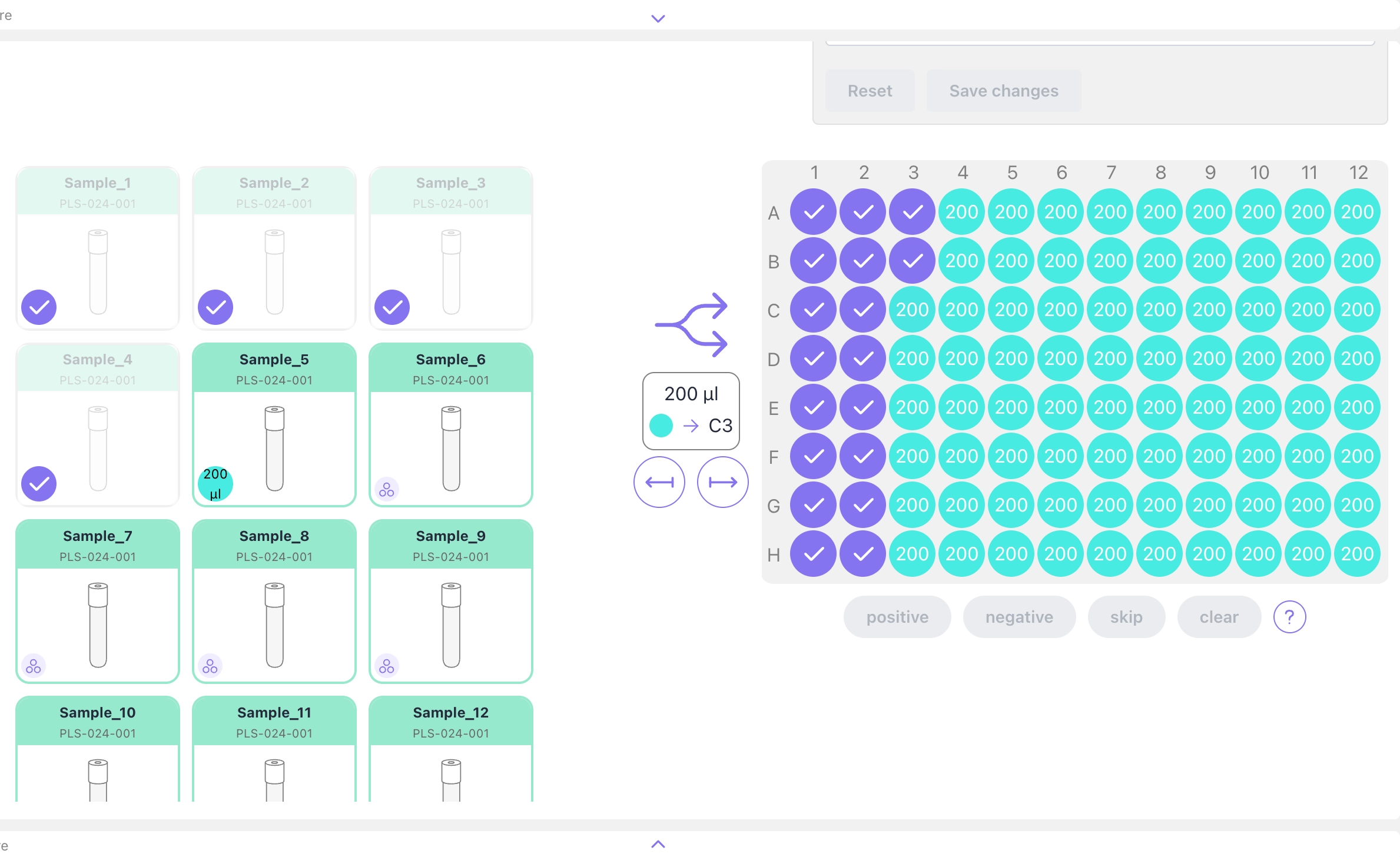
Guide technicians and instruments through each processing step while Qvios automatically records sample lineage, metadata, results, and deviations from input through reporting.
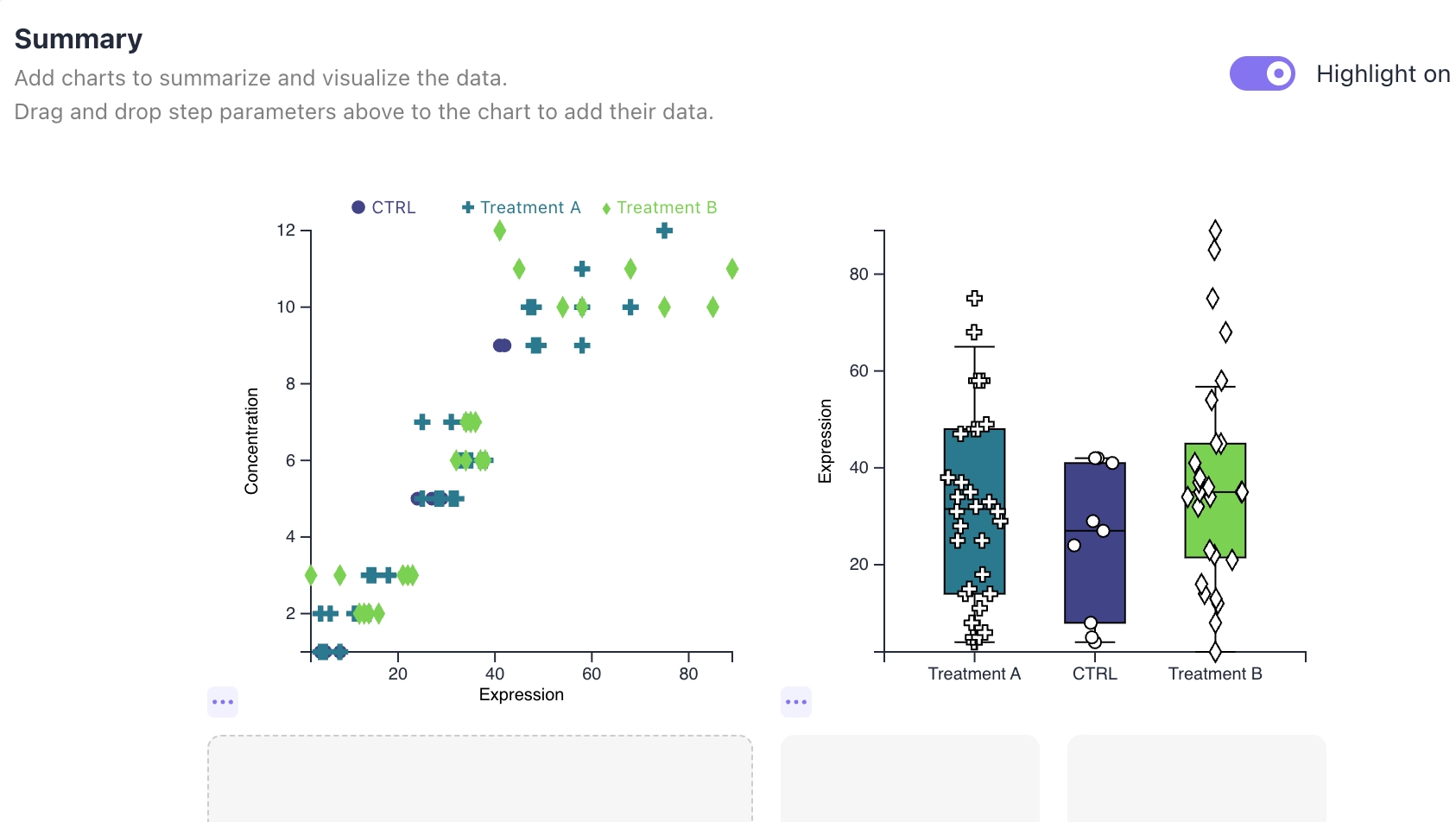
Keep protocols, experiments, data, and team activity in a single shared workspace. Qvios makes it easier to onboard students, collaborate across teams, and produce detailed, reproducible research.
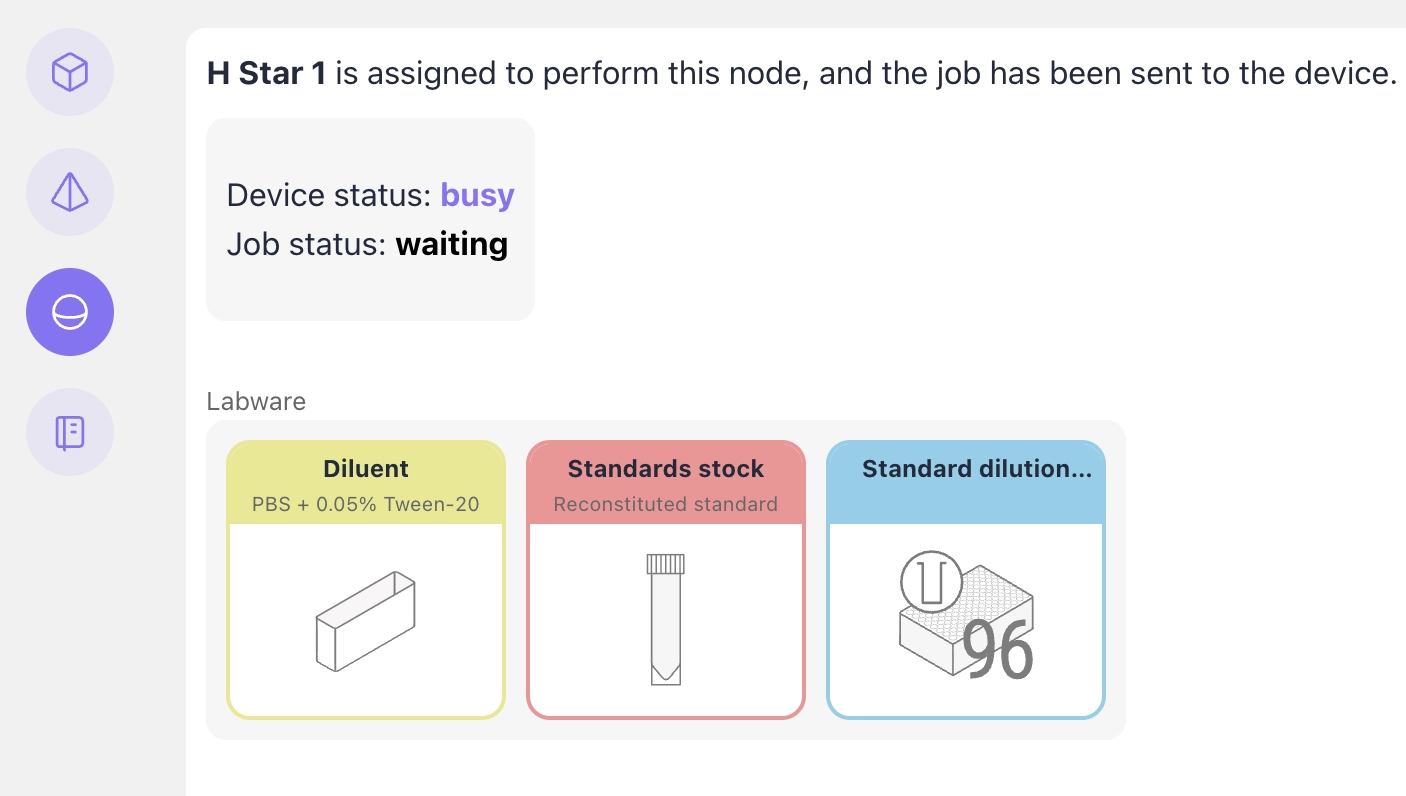
Manage resources, create worklists, monitor equipment, and capture instrument data through a single interface. Qvios integrates with your existing lab automation tools without vendor lock-in.
How does it work
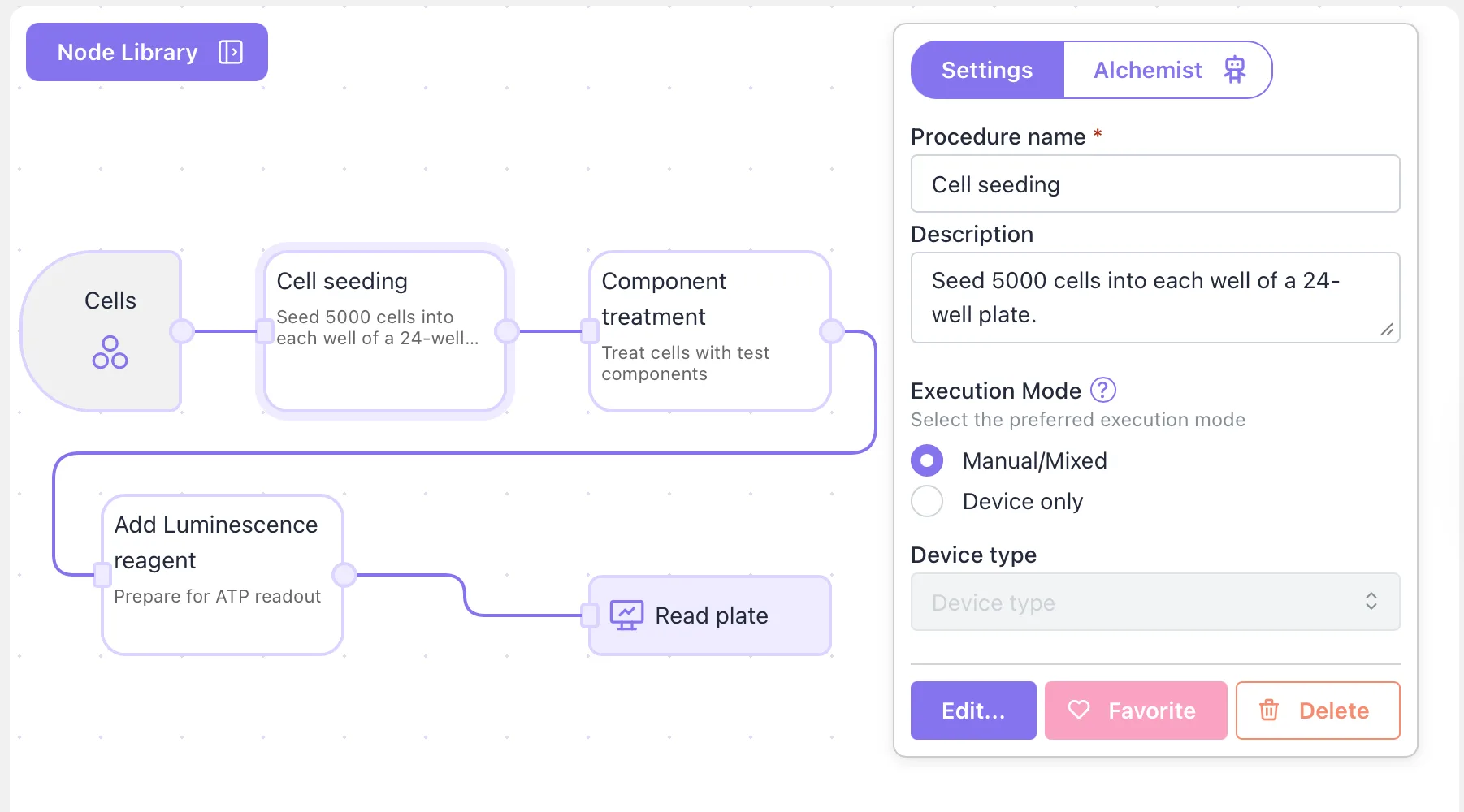
Build structured workflows from reusable components.
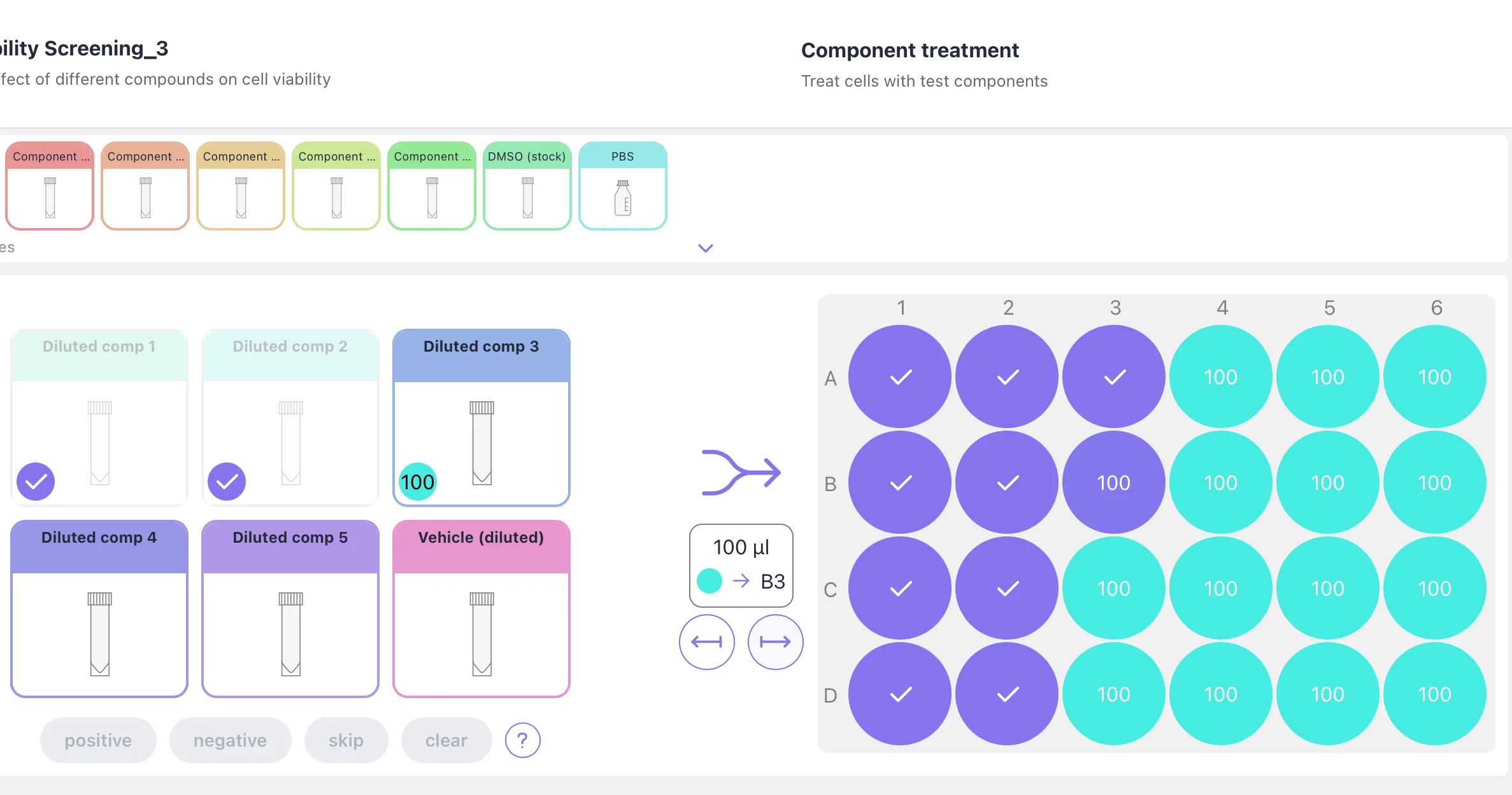
Run experiments with dynamic instructions, samples, data, and devices connected.
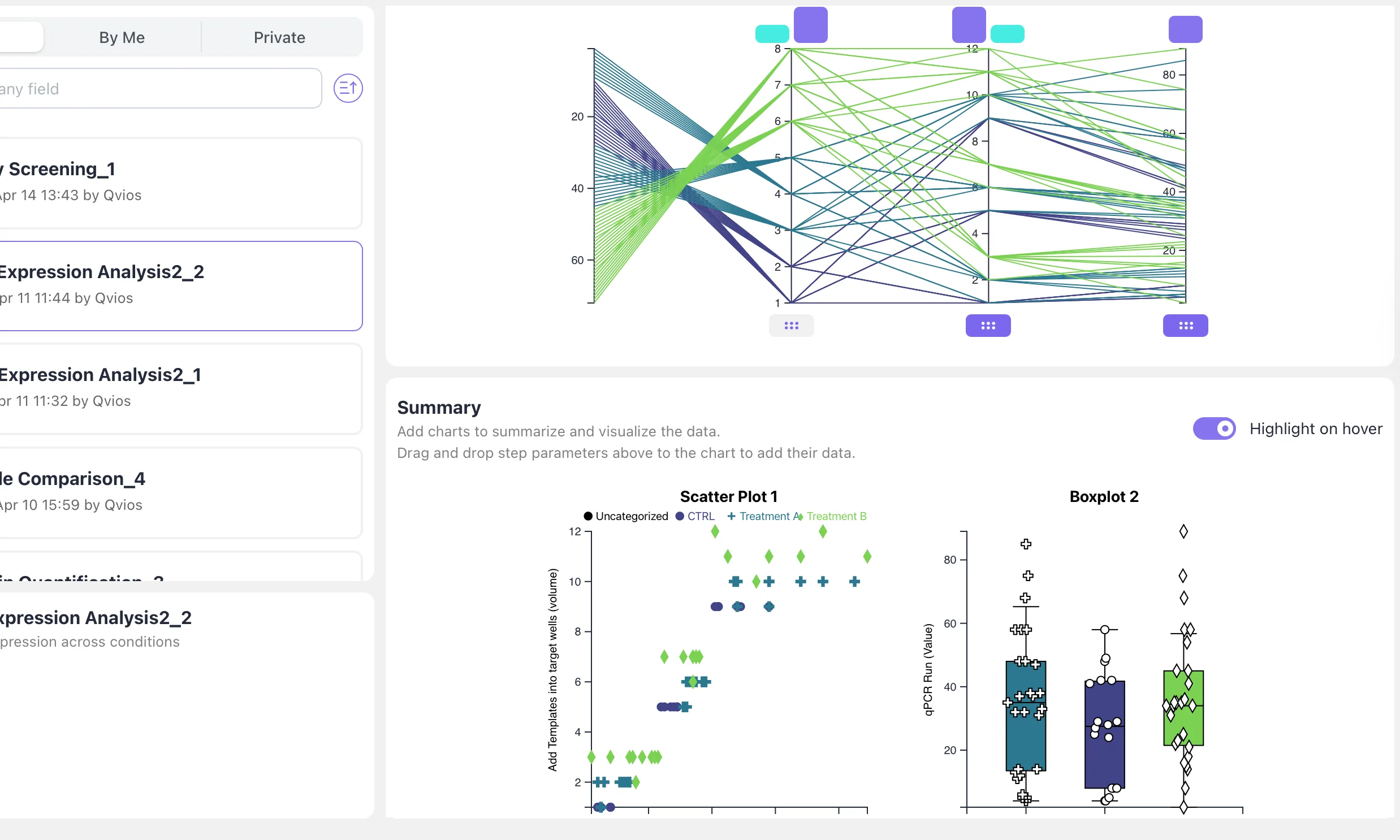
Trace results back to the samples and experimental conditions.
Get started today
Free
35€ per user / month
Custom