
System Overview
This overview explains how Qvios works and outlines key concepts and their relevance to your day-to-day lab work.
Core model
Section titled “Core model”Qvios is organized around a clear structure: Protocol definition, Experiment execution, and Data analysis. These stages are reflected in the app’s main navigation menu as Design, Experiment, and Discovery.
Protocol
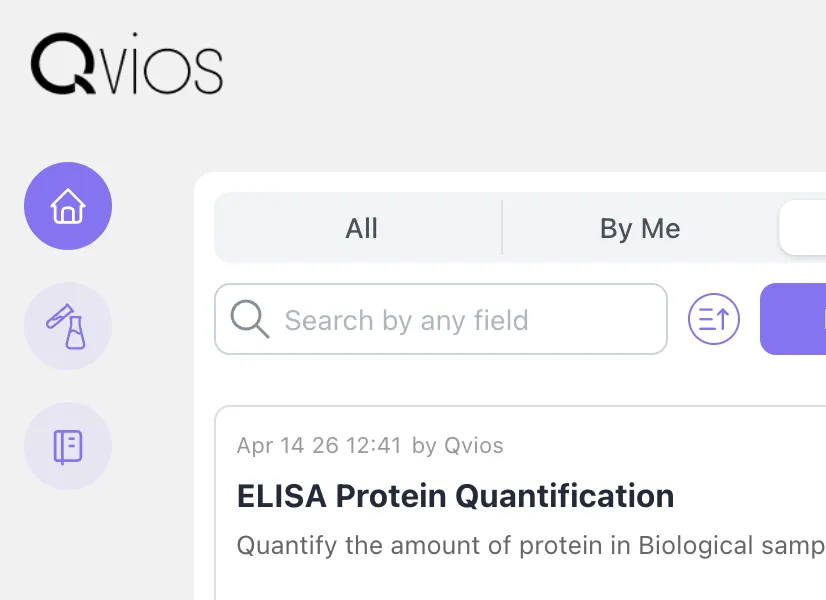
Section titled “Protocol”A protocol usually represents a single assay or laboratory test. Protocols define intent and serve as templates for executable experiments. Protocols are managed in the Design view, where you can create and edit them.
Experiment
Section titled “Experiment”Experiments are individual executions of a protocol. Each time a new experiment is run, the protocol content is copied into it and adjusted based on execution parameters, such as sample data and step variables. Experiments also include results and observations. Ongoing experiments are listed in the Experiment view, while finished experiments and their results can be inspected in the Discovery view.
Samples
Section titled “Samples”Most protocols include samples. In the protocol, samples are placeholders that do not represent any specific real-world samples. When a new experiment is started, those placeholders can be filled with sample information specific to that experiment. Samples are automatically tracked through the experimental steps and can be inspected in the Discovery view along with all applied step parameters and assigned results.